Product UpdateShopifyCheckout Monitoring
September 3, 2026 · 3 min read
Two-minute setup: generate checkout tests from your Shopify catalog

Friction Observatory
Team
Checkout monitoring that needs a QA engineer to maintain Playwright scripts will not get adopted by most Shopify teams. Friction Observatory is built for merchants and agencies who install an app and need truth in minutes.
The install path
- Install Friction Observatory from the Shopify App Store
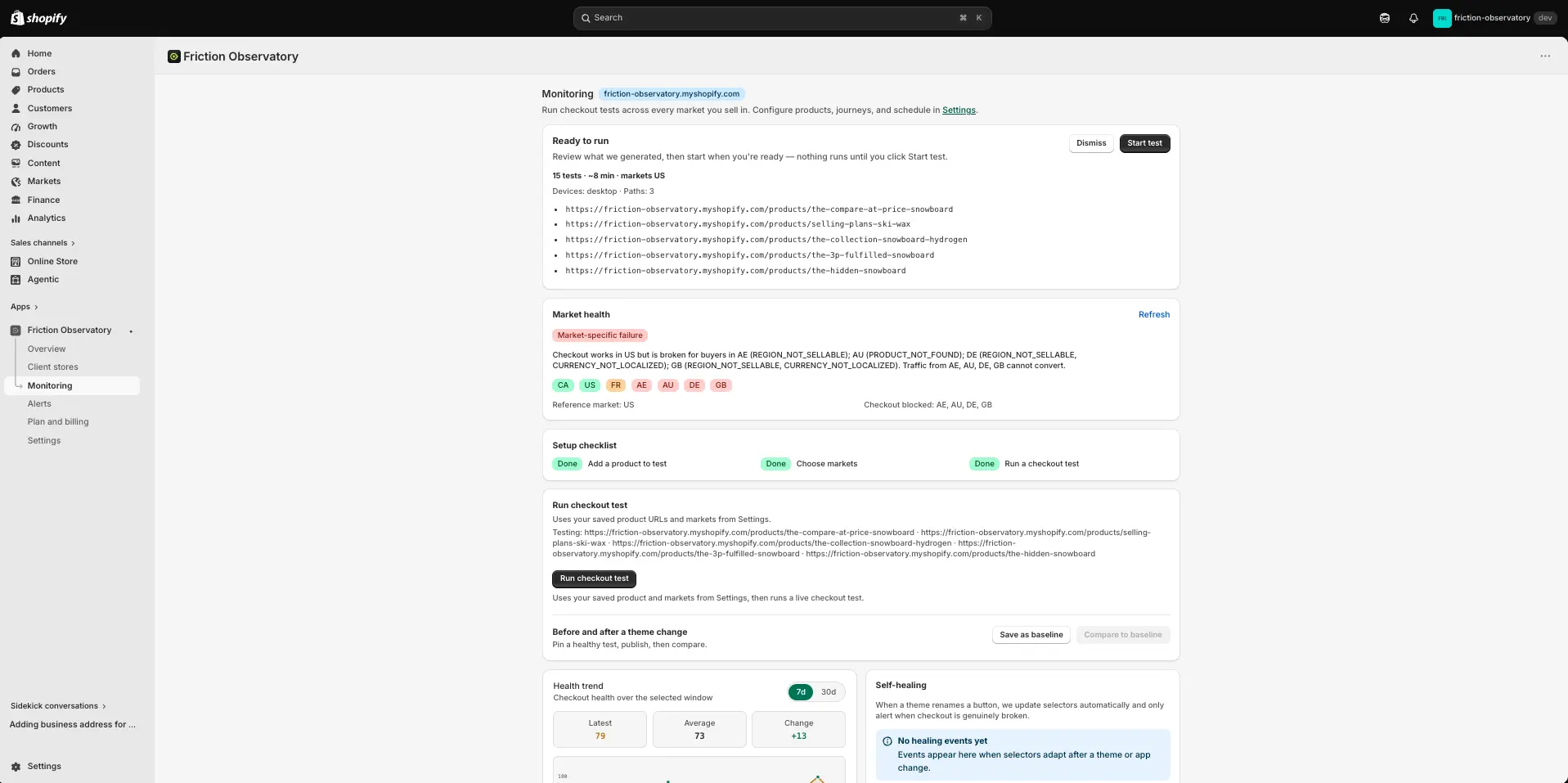
- Open Monitoring — generate tests from your catalog, or paste 1–5 product URLs
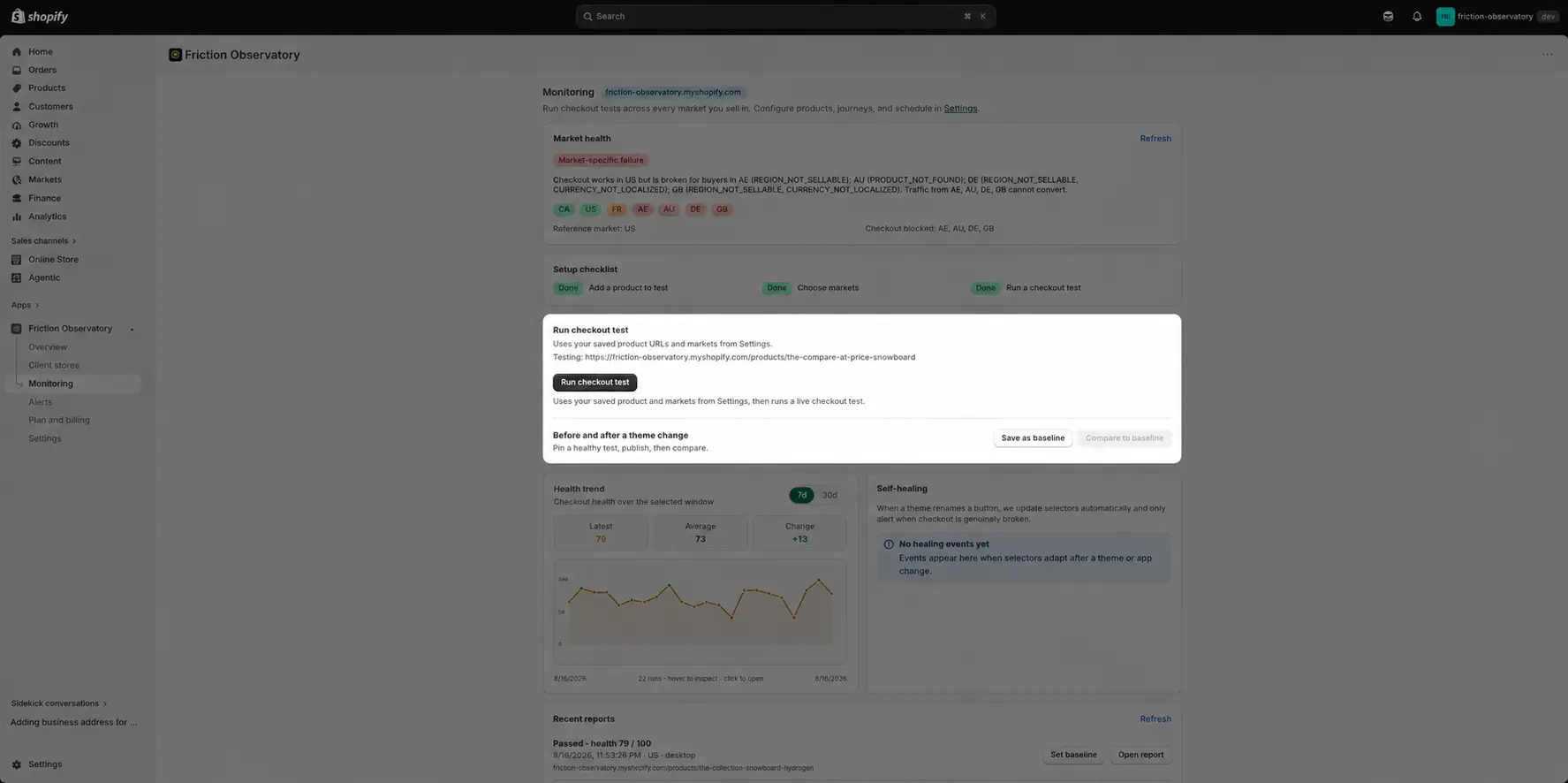
- Choose markets (and devices), then Start test
- Read the report: health score, findings, video, screenshots
Ready to watch checkout across markets?


